NotionSender alternative
NotionSender sends email you write in Notion. SlapMail answers email you receive.
7-day free trial. No credit card. About 5 minutes to set up.
NotionSender vs. SlapMail
The short answer, before the detail.
| Feature | NotionSender | SlapMail |
|---|---|---|
| How emails arrive | NotionSender You forward them to a unique address per database, or set a mail rule | SlapMail Direct sync with Gmail or Outlook; choose the full mailbox or specific labels or folders |
| Reply and send from Notion | NotionSender Sends new emails written as Notion pages, not replies inside a thread | SlapMail Yes, replies sent from your real address |
| Where emails live | NotionSender One page per email, inbox and outbox in separate databases | SlapMail One page per thread, in any database you pick |
| Email providers | NotionSender Any provider, by forwarding | SlapMail Gmail and Outlook, both direct |
| Attachments stored in Notion | NotionSender Yes, saved and sent, with a size limit on sent files | SlapMail Yes |
| Automatic property mapping | NotionSender Yes, plus AI extraction of fields you describe | SlapMail Yes: sender, dates, subject, attachments and more |
| Contact association | NotionSender No | SlapMail Yes, links threads to a contacts database |
| Shared inbox and teammate replies | NotionSender No | SlapMail Yes |
| AI field extraction | NotionSender Yes, on Premium | SlapMail No, fixed fields every time - then Notion AI agents work on the thread in Notion |
| Templating and scheduled sends | NotionSender Yes, on Premium | SlapMail No, you answer in the thread |
| Free plan | NotionSender Yes, 100 saved and 50 sent per 31 days | SlapMail No, 7-day free trial without credit card |
| Paid plan | NotionSender $19 per month, 10,000 saved and 5,000 sent | SlapMail From $8 per user / month, unlimited emails and mailboxes |
Why people switch from NotionSender
When people pick SlapMail over NotionSender, it’s usually for one of these.
Replies that stay in the thread
NotionSender sends emails written as Notion pages, while forwarded replies land as separate pages in another database. With SlapMail, you reply from the thread page and the whole conversation stays together in Notion.
Nothing to forward
NotionSender works through a unique address per database and the forwarding rules you set up around it. SlapMail syncs a Gmail label or an Outlook folder directly, so there is no rule to maintain and no address to keep private.
Your own address, on every plan
Sending from your own domain needs a verified custom address on NotionSender’s Premium plan. SlapMail always sends from the Gmail or Outlook account you connected, so recipients see the address they already know.
A shared inbox for the team
NotionSender is one person routing mail into their own databases. SlapMail routes several mailboxes into shared databases, so teammates triage, assign and reply from the same Notion view.
No monthly counters
100 saved and 50 sent a month on Free, 10,000 and 5,000 on Premium. SlapMail has no email counter at all: unlimited emails, mailboxes and databases, and a seat only for the people who send or reply.
Which one should you choose?
When to choose NotionSender
- Your main job is outbound: newsletters, invoices or reminders written as Notion pages.
- You want templating with page properties, scheduled sends and an outbox driven by a status.
- You're not on Gmail or Outlook, and any mailbox can forward to a NotionSender address.
- You want AI to pull custom fields out of each email as it arrives.
- The free plan covers you: 100 saved and 50 sent a month.
Typically, email that a Notion database sends out.
When to choose SlapMail
- Email is work someone has to answer: support tickets, sales conversations, client threads, hiring pipelines.
- You want whole threads in Notion, with no forwarding rule to maintain.
- You reply from Notion, and the email goes out from your own address.
- You're on Gmail or Outlook, and want Outlook treated just as well.
- Your team works the same inbox and needs to see who answered what.
Typically, emails that run your business: unlimited emails and mailboxes, and only the people who reply need a seat.
How to switch from NotionSender
Nothing to migrate: your emails stay in your mailbox and your Notion pages stay where they are. SlapMail can run alongside NotionSender while you set it up, and the whole thing takes about five minutes.
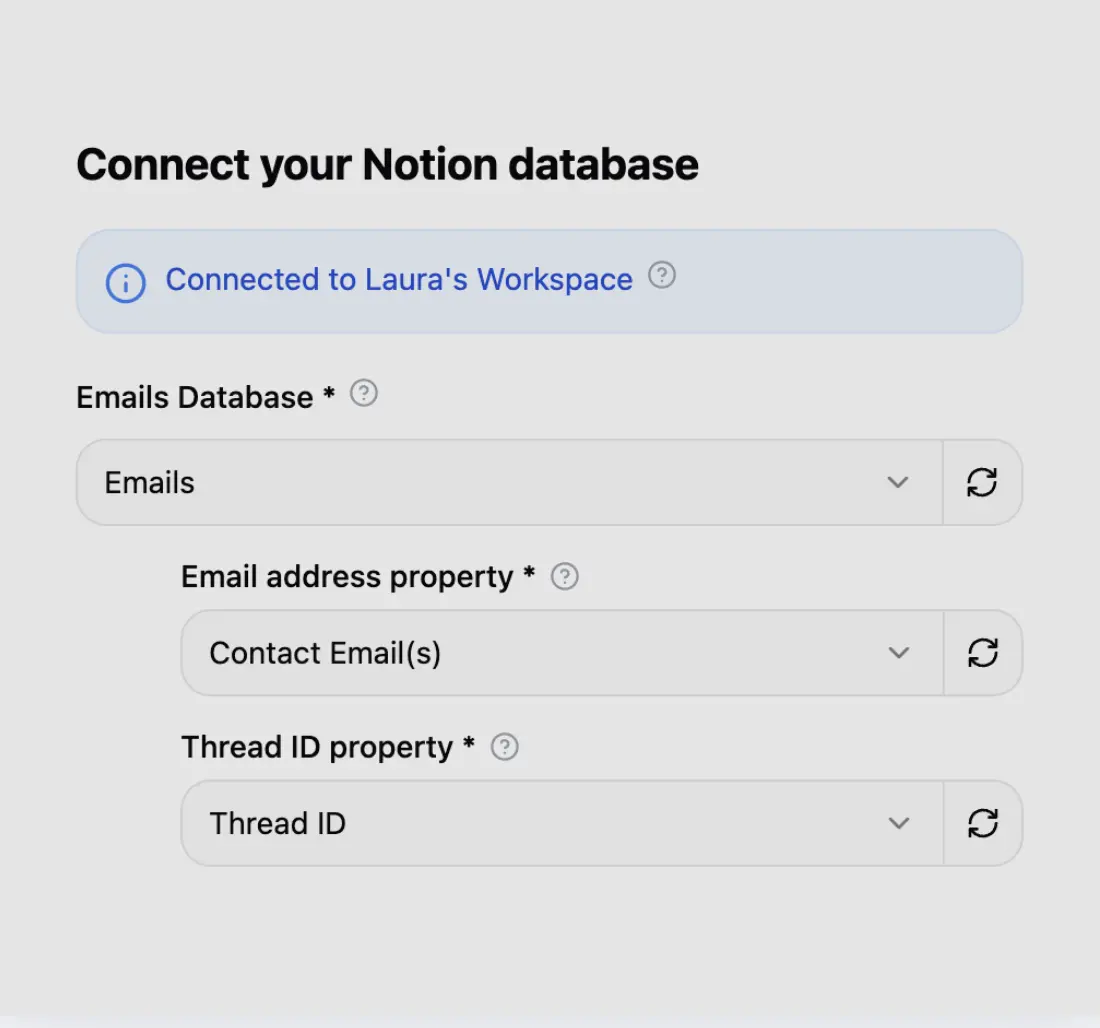
Step 1
Connect your Notion database
Connect your Notion workspace in seconds and choose which database your emails should land in.
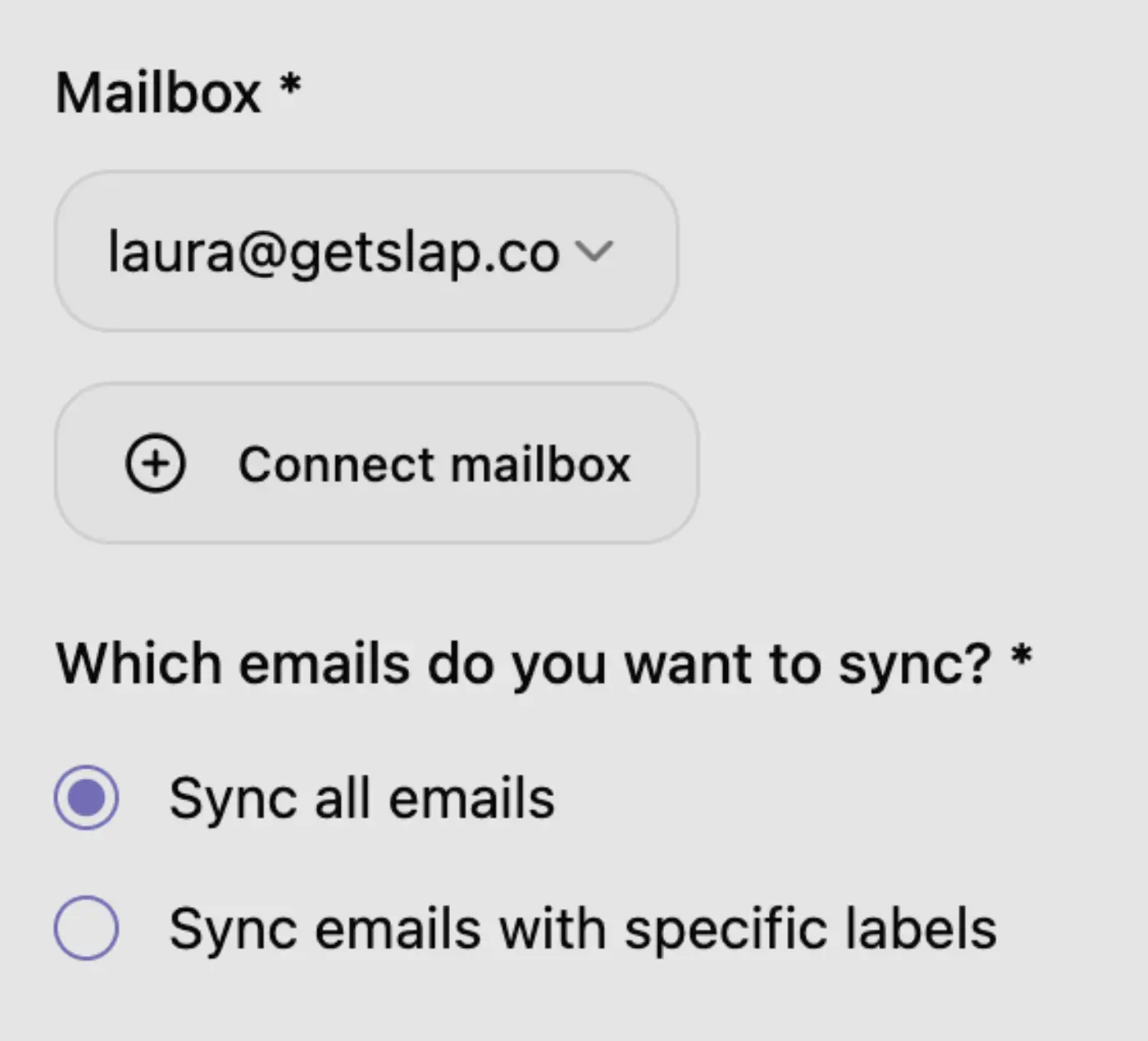
Step 2
Connect your mailbox
Connect Gmail or Outlook in 2 clicks. Sync everything, or only specific labels or folders.
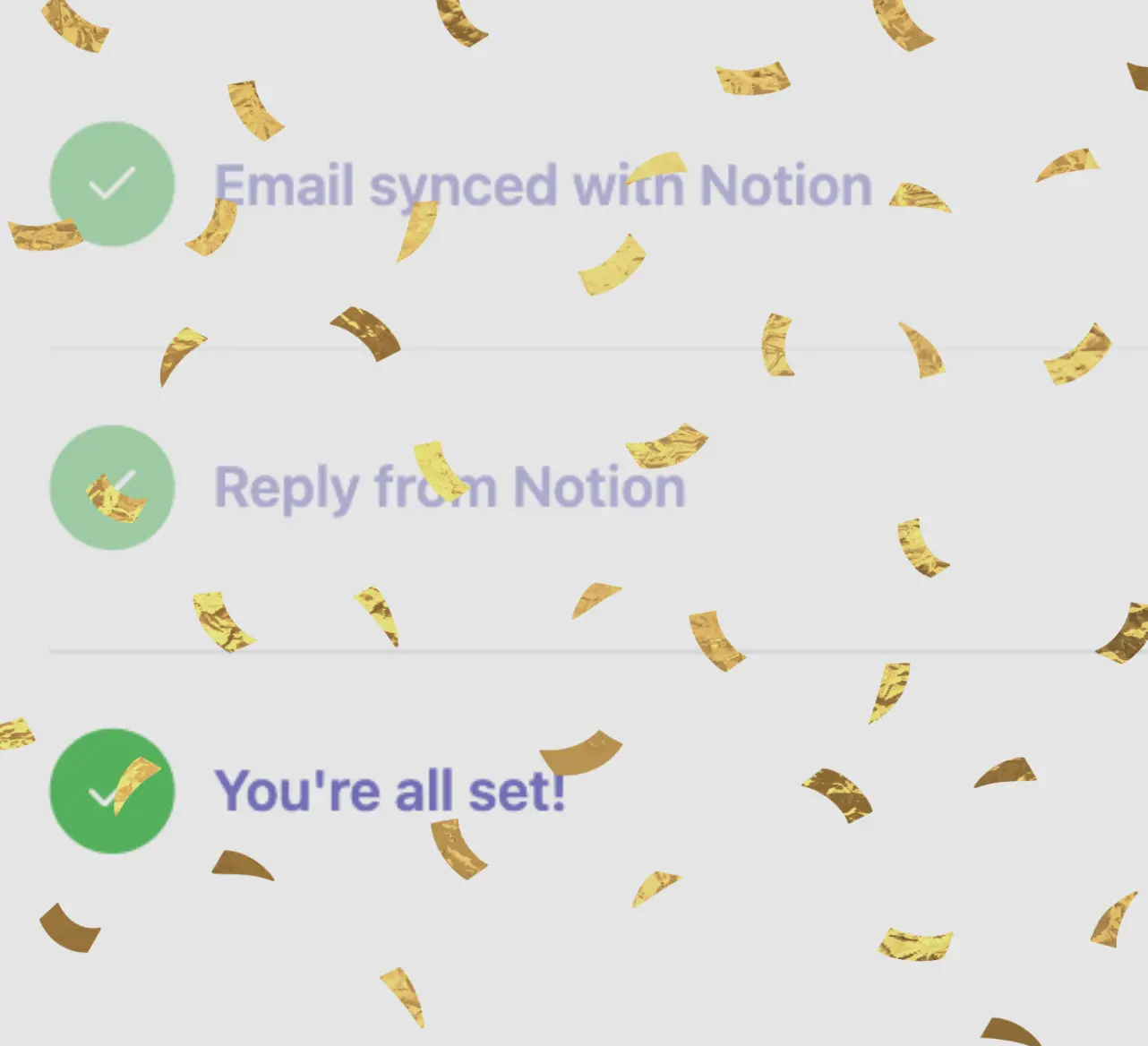
Step 3
You're all set
Disable the NotionSender inbox address, or the forwarding rule feeding it, so the same email doesn’t land twice.
Simple and transparent pricing
$8 (excl. tax) per user / month (billed yearly)
Frequently asked questions
Ready to save and reply to emails from Notion?
Connect Gmail or Outlook to any Notion database in about 5 minutes.
Google CASA Tier 2 · Microsoft-verified publisher