Quicktion alternative: full email threads synced automatically in Notion
7-day free trial. No credit card. About 5 minutes to set up.
Quicktion vs. SlapMail
The short answer, before the detail.
| Feature | Quicktion | SlapMail |
|---|---|---|
| How emails arrive | Quicktion Gmail add-on click, or forwarding address | SlapMail Direct sync with Gmail or Outlook, nothing to forward |
| Reply and send from Notion | Quicktion No | SlapMail Yes, sent from your real address |
| Where emails live | Quicktion One page per saved email | SlapMail One page per thread, in any database you pick |
| Email providers | Quicktion Gmail add-on, other providers by forwarding | SlapMail Gmail and Outlook, both direct |
| Attachments stored in Notion | Quicktion Yes | SlapMail Yes |
| Automatic property mapping | Quicktion Yes | SlapMail Yes: sender, dates, subject and more |
| Contact association | Quicktion No | SlapMail Yes, links threads to a contacts database |
| Shared inbox and teammate replies | Quicktion No | SlapMail Yes |
| AI field extraction | Quicktion Yes, on the Pro plan | SlapMail No, fixed fields every time - then Notion AI agents work on the email in Notion |
| Destinations | Quicktion Notion, Google Sheets, Airtable, Linear, Trello | SlapMail Notion |
| Free plan | Quicktion Yes, 25 emails per month, 1 destination | SlapMail No, 7-day free trial without credit card |
| Paid plan | Quicktion From $10 per month, 1,000 emails per month | SlapMail From $8 per user / month, unlimited emails and mailboxes |
Why people switch from Quicktion
When people pick SlapMail over Quicktion, it’s usually for one of these.
Replies, not just records
Quicktion is one-way: the email goes into Notion and that’s where it ends. With SlapMail you answer from the Notion page, and the message goes out from your real Gmail or Outlook address with the thread intact.
One page per conversation
A ten-message thread becomes ten Quicktion pages, so any status or owner you set describes a fragment. SlapMail keeps the thread as a single page that keeps filling up as people reply.
Nothing to click, nothing to forward
Quicktion needs a sidebar click or a forwarding rule for every email. SlapMail syncs a Gmail label or an Outlook folder automatically, and keeps working after you stop paying attention to it.
Outlook treated like Gmail
Quicktion has no Outlook add-on and no direct Outlook sync, and forwarded mail loses the reply relationship with the thread. SlapMail connects Outlook and Microsoft 365 directly, two-way, exactly like Gmail.
A shared inbox for the team
Quicktion is one person saving their own mail. SlapMail routes several mailboxes into shared databases, so teammates triage, assign and reply from the same Notion view.
Properties and contacts filled in
Sender, subject, received date and last reply date are mapped automatically, and each thread is linked to your contacts database. Your emails join the rest of your Notion system instead of sitting beside it.
Which one should you choose?
Sometimes the answer is Quicktion.
When to choose Quicktion
- You save emails one at a time, and want a button inside Gmail to do it.
- You're not on Gmail or Outlook - any mailbox can forward to Quicktion.
- You only have a few emails to keep, and the free 25 a month covers it.
- Your destinations go beyond Notion: Google Sheets, Airtable, Linear, Trello.
Typically, personal emails you want to store: receipts, newsletters, the occasional thread worth keeping.
When to choose SlapMail
- Email is work someone has to answer: support tickets, sales conversations, client threads, hiring pipelines.
- You want whole threads in Notion, with no forwarding rule to maintain.
- You reply from Notion, and the email goes out from your own address.
- You're on Gmail or Outlook, and want Outlook treated just as well.
- Your team works the same inbox and needs to see who answered what.
Typically, emails that run your business: unlimited emails and mailboxes, and only the people who reply need a seat.
How to switch from Quicktion
Nothing to migrate and SlapMail can run alongside Quicktion while you set it up, and the whole thing takes about five minutes.
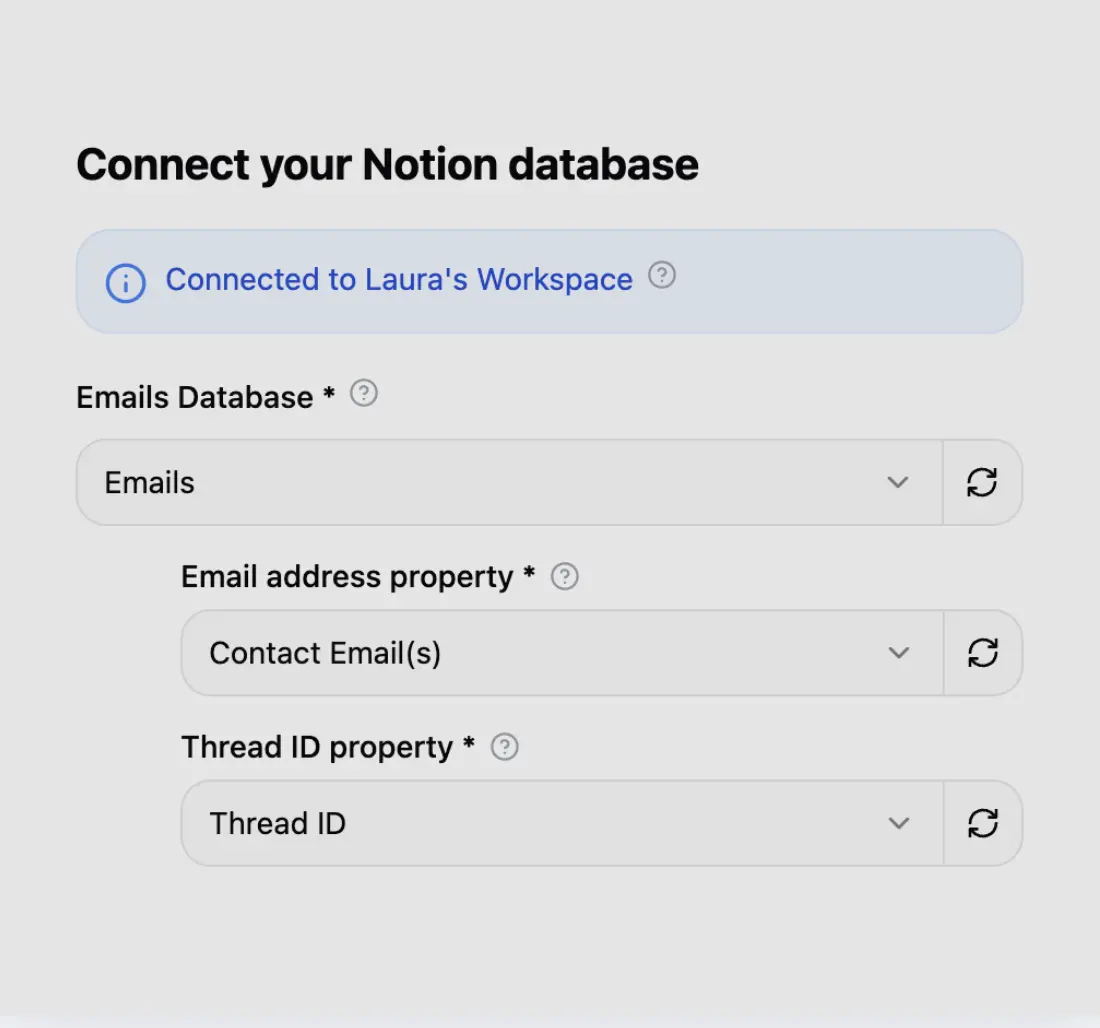
Step 1
Connect your Notion database
Connect your Notion workspace in seconds and choose which database your emails should land in.
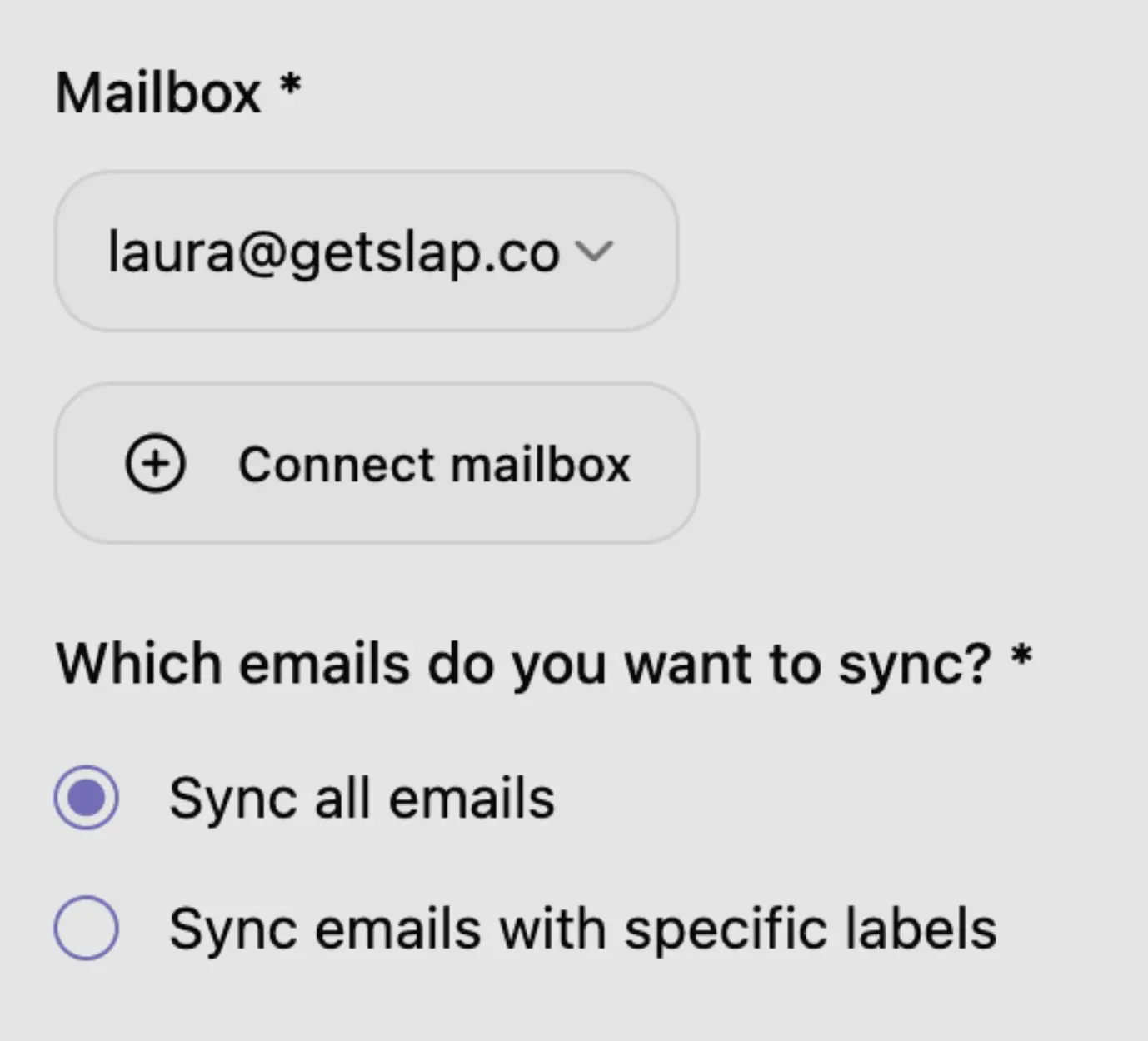
Step 2
Connect your mailbox
Connect Gmail or Outlook in 2 clicks. Sync everything, or only specific labels or folders.
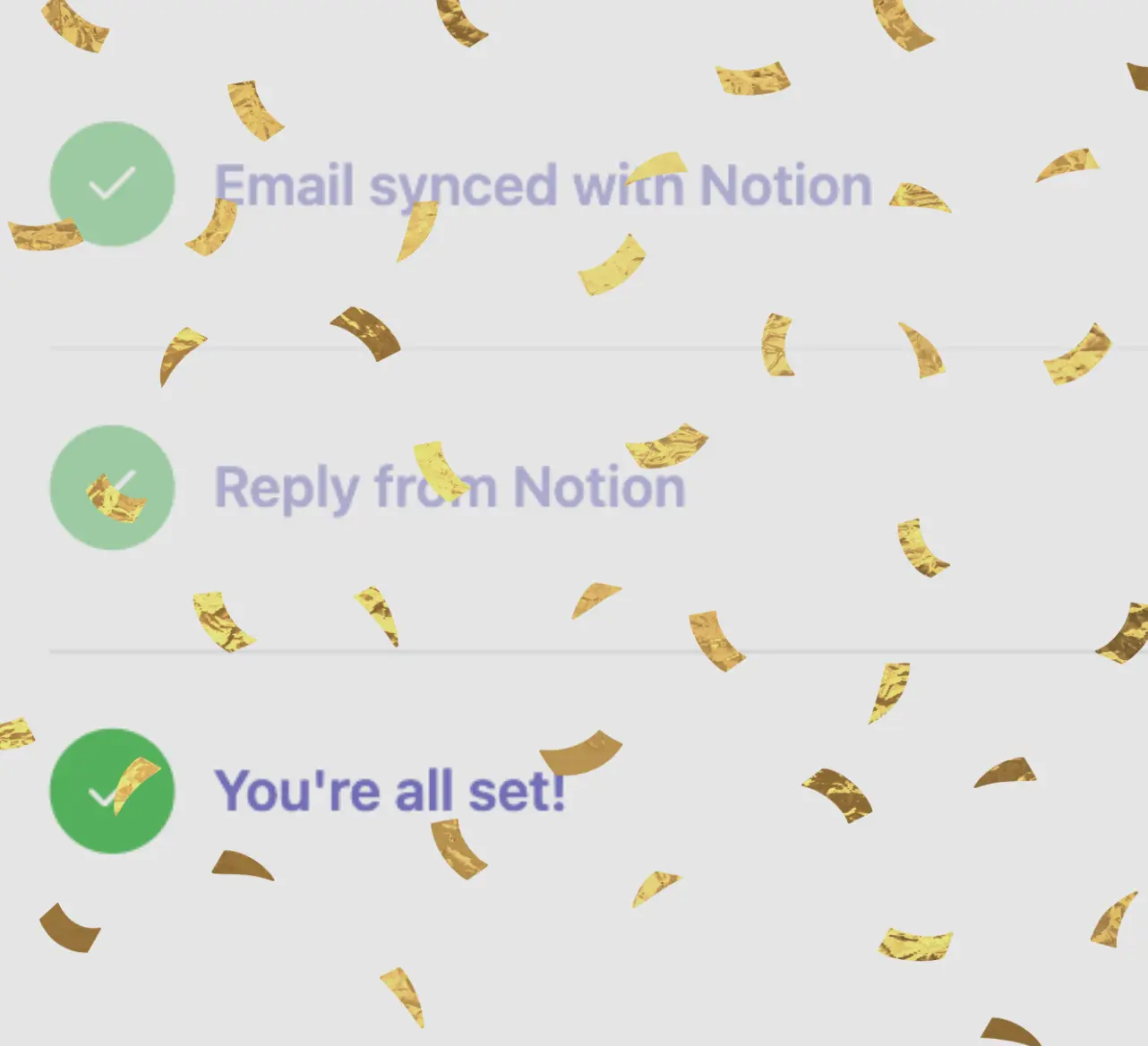
Step 3
You're all set
Don’t forget to remove the Quicktion forwarding rule so the same email doesn’t land twice.
Simple and transparent pricing
$8 (excl. tax) per user / month (billed yearly)
Frequently asked questions
It depends on what you need email in Notion for. If it’s email someone has to answer, SlapMail is better: you reply from the page, several mailboxes can feed the same databases, and threads stay up to date on their own. If it’s just storage, it comes down to three things:
- Your mailbox - SlapMail only covers Gmail and Outlook.
- Your volume - Quicktion’s free 25 emails a month may be enough.
- Where the emails need to land - Quicktion also writes to Google Sheets, Airtable, Linear and Trello.
Comparing more than these two? See 5 ways to sync your emails with Notion, or the Notion Mail alternative page if that’s what you’re leaving.
Ready to save and reply to emails from Notion?
Connect Gmail or Outlook to any Notion database in about 5 minutes.